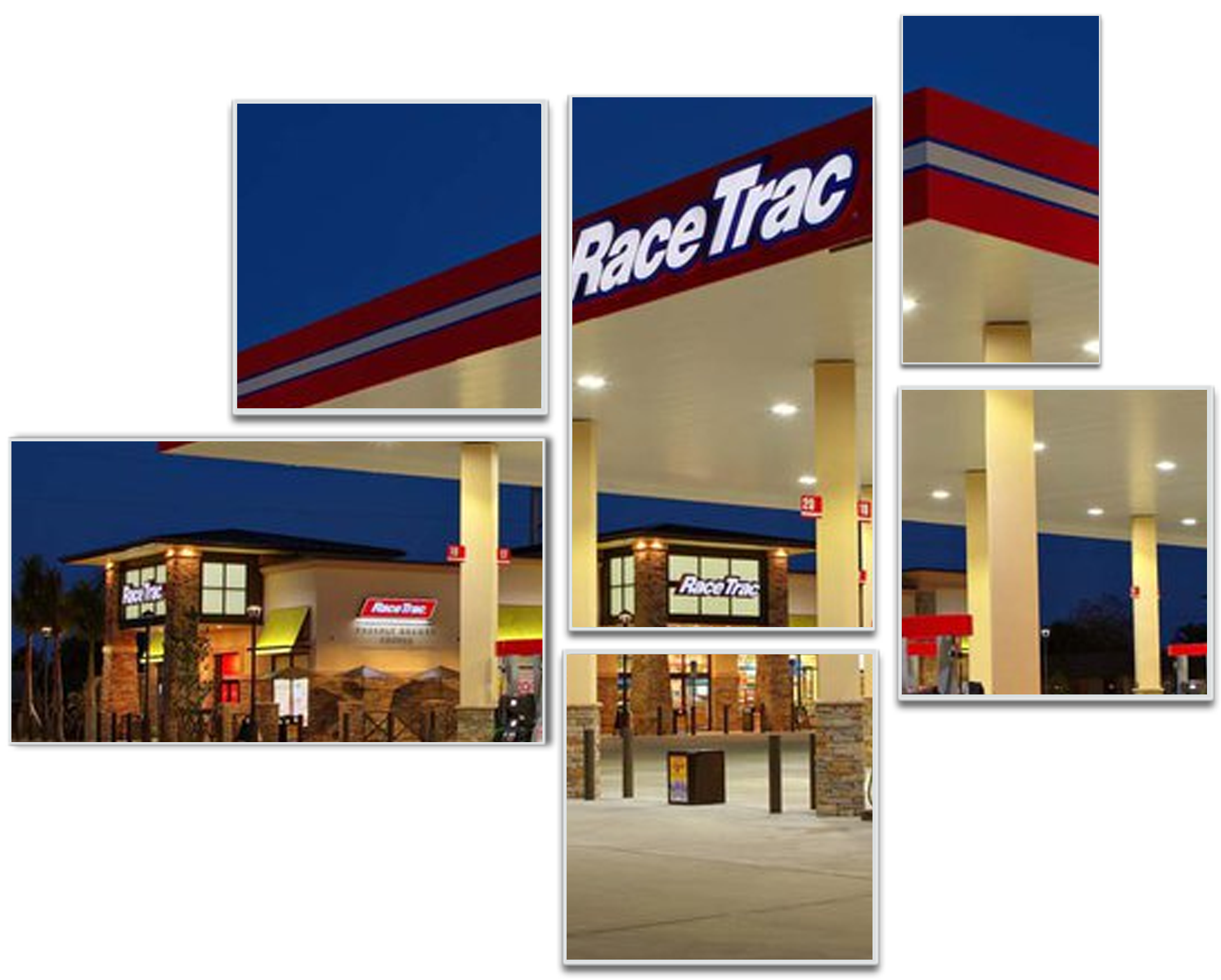
Powered by PTG
Powered by PTG
Navori CMS is the most user-friendly offering on the market today. Navori explicitly develops its software tools with operators and end users in mind in order to provide a great experience, while at the same time lowering the barrier to entry and total cost of ownership (TCO). Using intuitive software tools will significantly reduce the time and effort normally spent on digesting immense user manuals and attending lengthy training sessions.
To use the Navori CMS, users will not need to install any software on their local computers. Users can simply open the web browser of their choice, where they will be met with a clear and intuitive layout powered by a modernized HTML5 based user interface.
Each group/network level in the Navori CMS features its own content library. To share content amongst multiple sub-groups, simply import the content at the group level and ensure all sub-group users have been given access to the group above their sub-group. Content flows and is inherited going ‘downwards’ in the network tree, making sharing of content and playlists between groups very easy.
Navori was designed for networks that require isolation between multiple tenants. Tenants can be defined as regions or locations with a company or department etc. The Navori platform lets administrators assign each tenant their own domain ensuring users can only see their own group/sub-group hierarchy. The system is secure, reliable and features a wide range of user access controls which are essential to any network operator.
This will support a national, regional and local organization. Playlists in the upper levels can be made available to lower levels permitting global/local playlist management.
Users can drag and drop multiple items to add them to a playlist simply by holding down the control (Ctrl) key while they select and drag the media items into the playlist.
Navori can drive a single display up to an array. Navori also supports Synchronized content across multiple digital screens. People can see the same information on every screen which is perfect for the RaceTrac application. Synchronized content can also be triggered and played using touch screens.
Navori can support all types of screen arrays, even running on different Operating Systems.
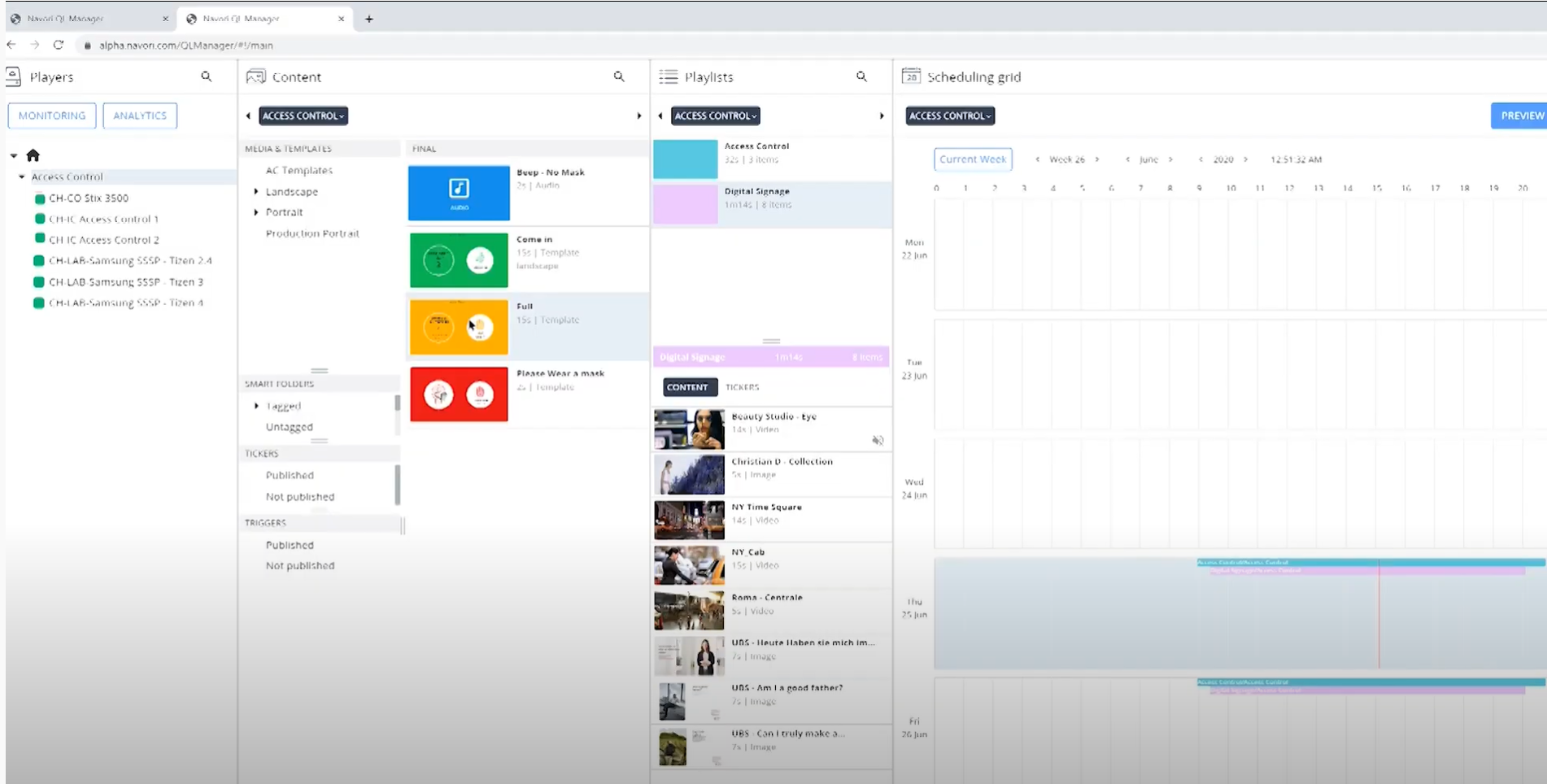
You may select individual files, or use Ctrl+A to select all the files in a folder. Drag and drop your file(s) into the Content Library. When multiple files have been selected, you will see the number of files as you drag them over!

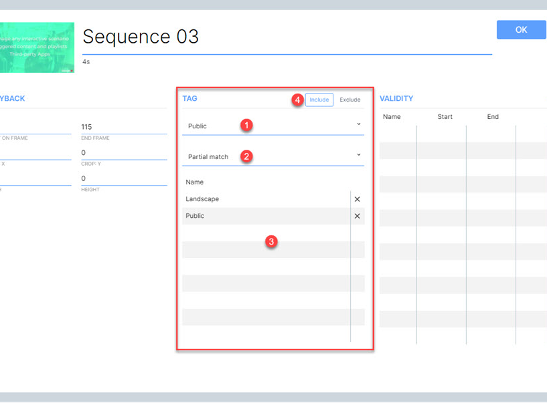
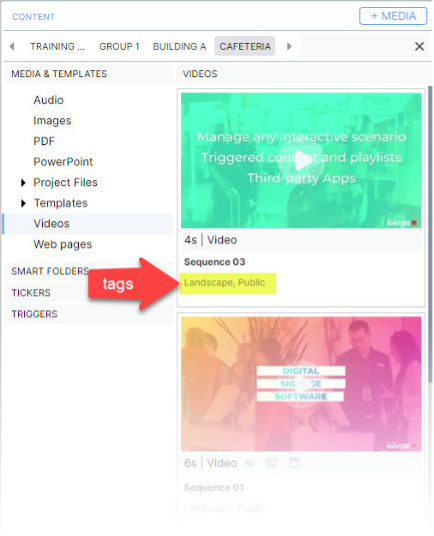
Your tags will appear in the Content Library, under the item name.

Powered by PTG